 Pomodoro Sync
Focus. Take a break.
Pick up where you left off.
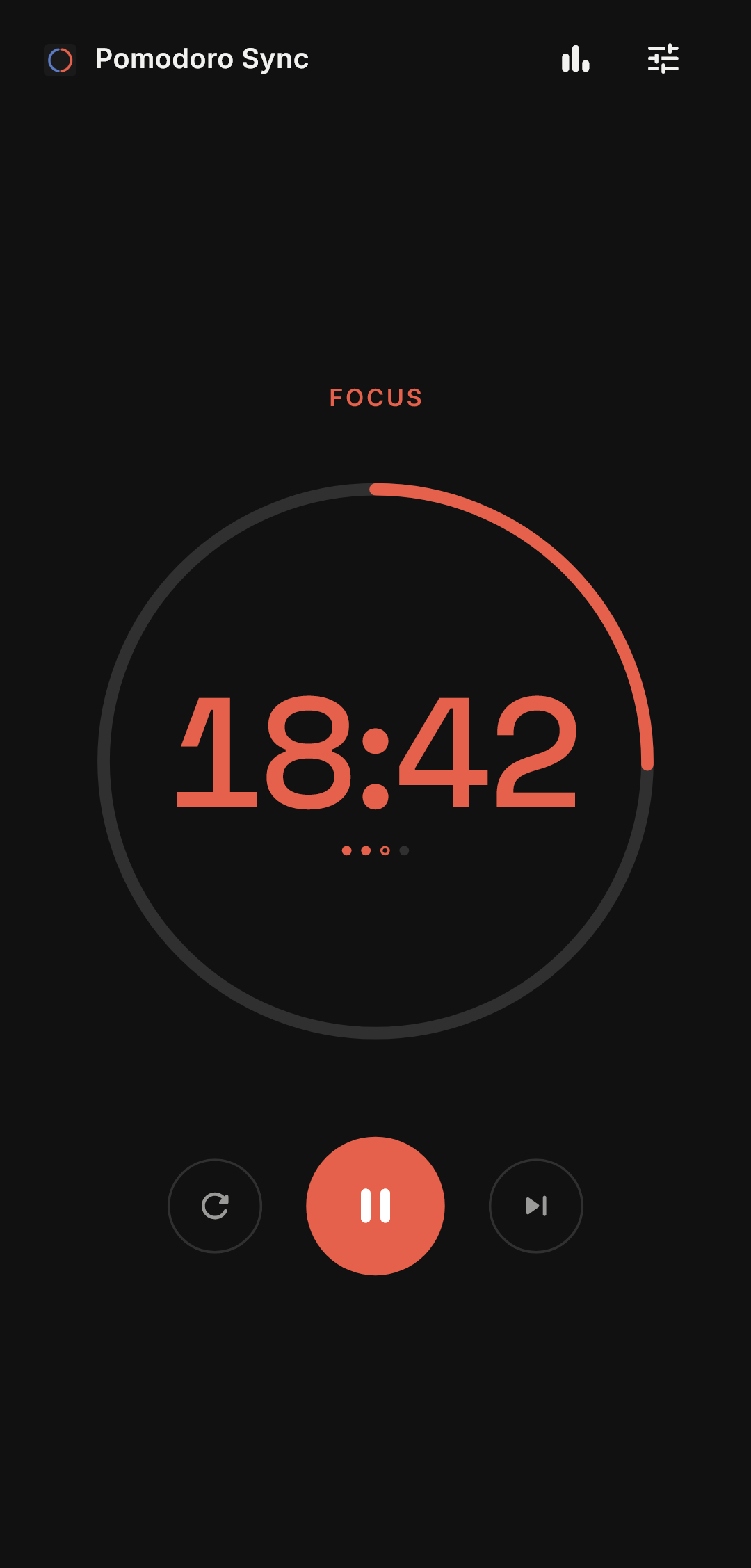
A minimalist Pomodoro timer that syncs in seconds between your computer, your phone and your browser. No ads, no distractions.
Free on your first platform (Android, Windows or web), on all your devices on that platform. A one-time payment of €4.99 to sync with another platform and see your stats. Sign in with your Google account.
Everything you need, nothing more
A timer that stays out of your way
Real-time sync
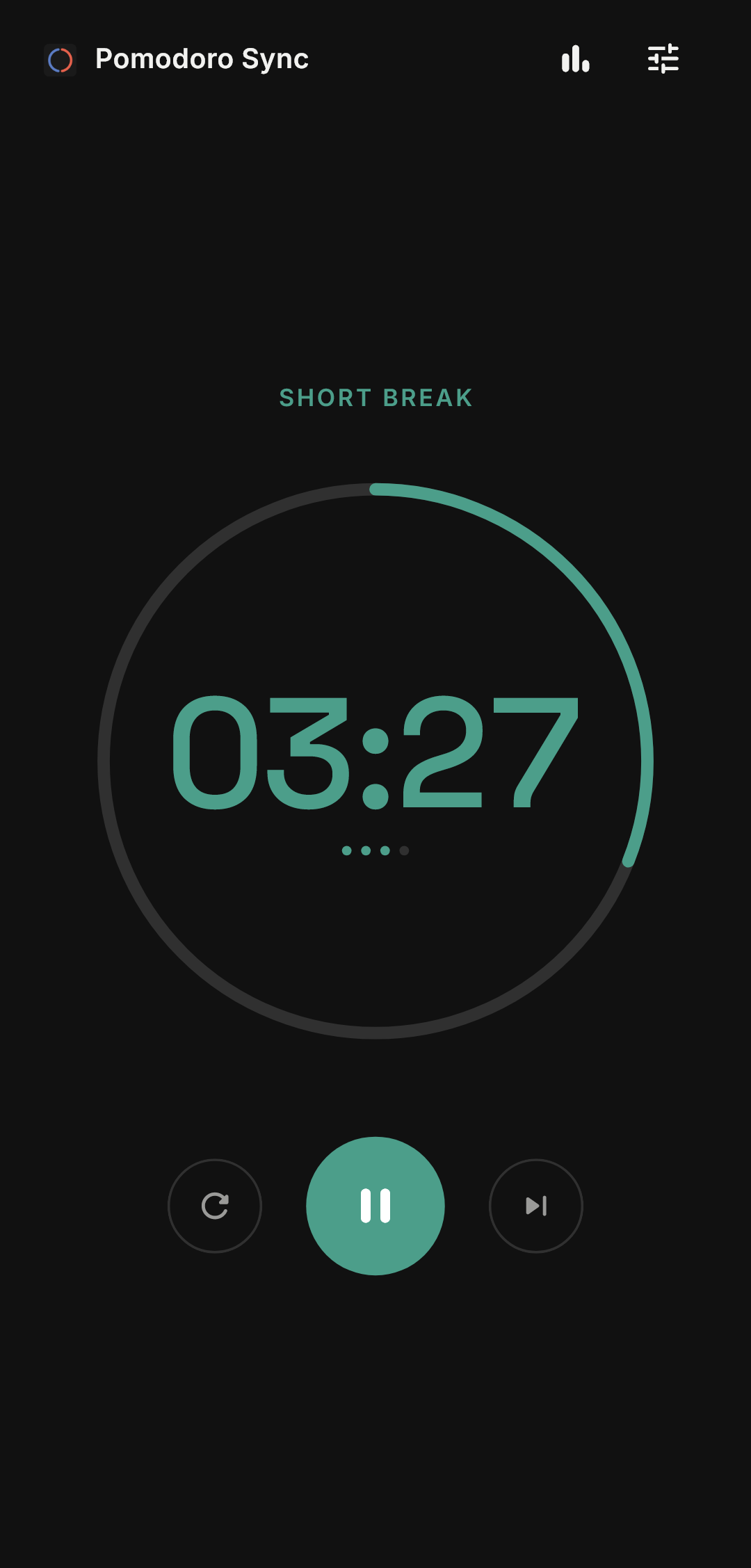
Start a session on your computer and check on your phone how much of your break is left: the state syncs in seconds.
Cross-platform
Android, Windows and web, with the same Google account on all your devices.
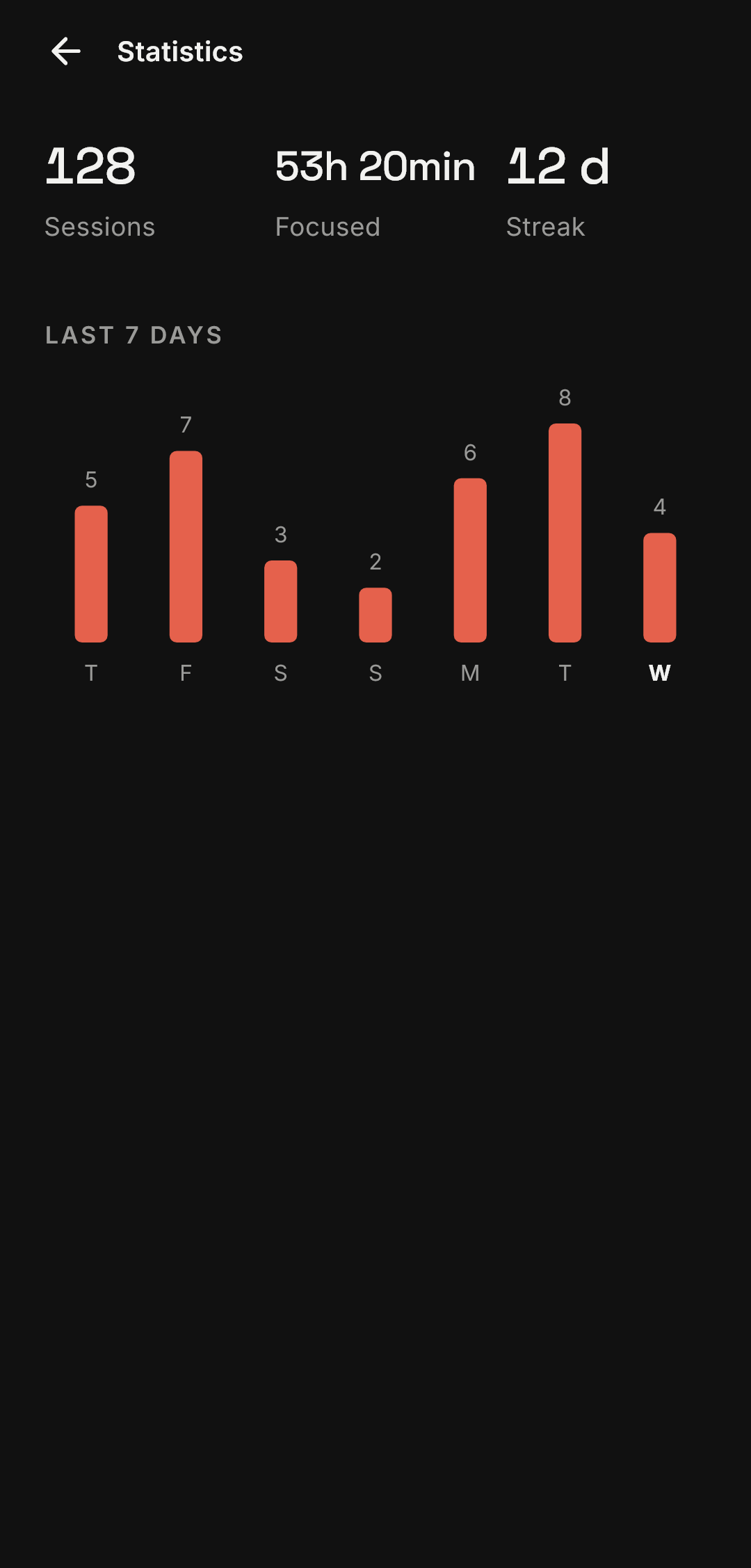
Statistics
Completed sessions, total focus time and your streak of consecutive days.
No distractions
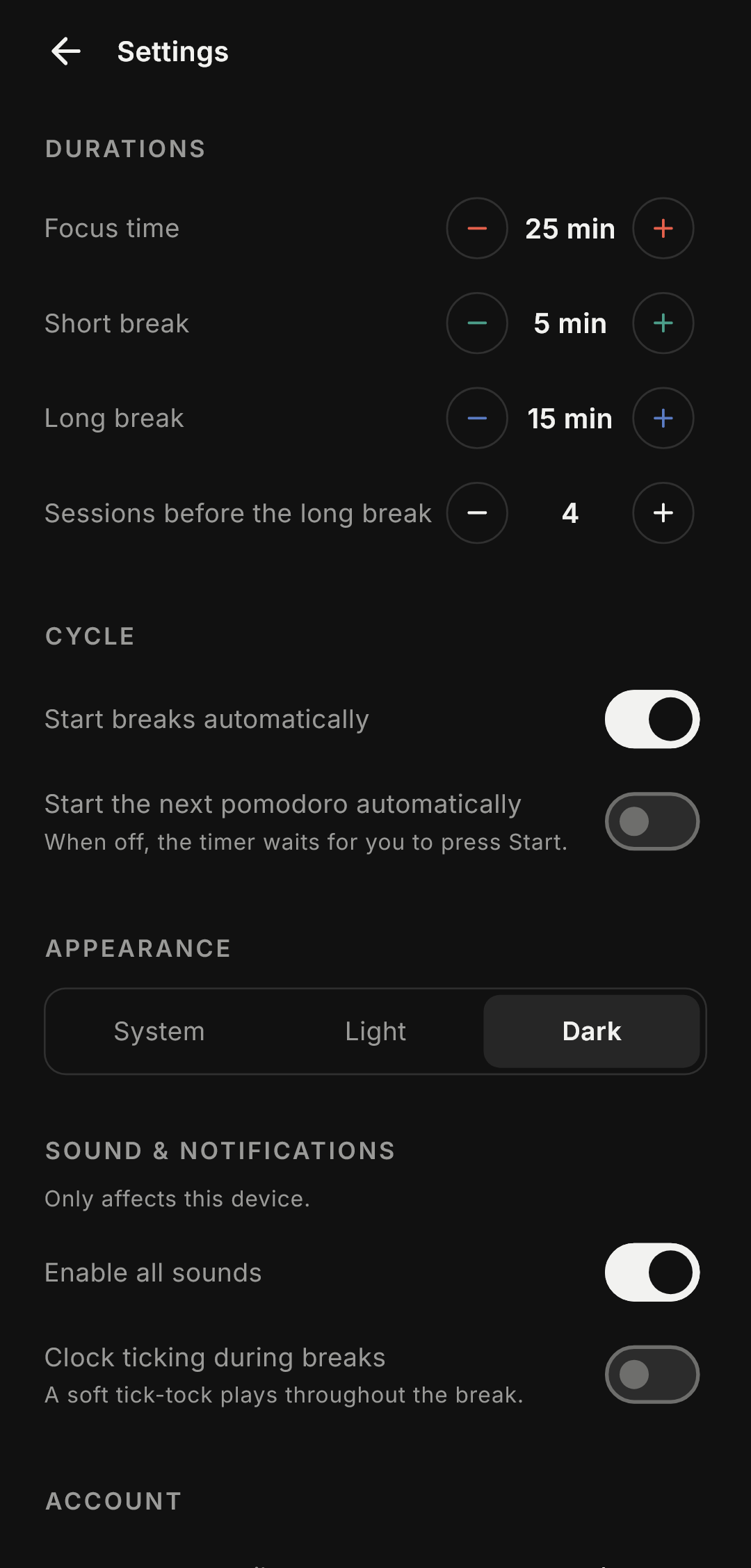
Fully customizable work and break phases. No ads, no visual clutter.
Alerts when each phase ends
A gentle sound at the end of each phase, plus system notifications on Android, Windows and in the browser (if you allow them).
One-time payment
Free on your first platform. Syncing with another platform and viewing your stats are unlocked with a one-time payment of €4.99, no subscriptions.
Get started
Available for Android on Google Play, for Windows on Microsoft Store and right in your browser.
Having trouble with Microsoft Store? Download the installer directly (.zip)
Frequently asked questions
What is the Pomodoro Technique?
The Pomodoro Technique is a time management method that breaks work into focused blocks (usually 25 minutes) followed by short breaks, with a longer break every four blocks. It helps you stay focused and avoid burnout.
Is Pomodoro Sync free?
Yes. The timer is free on your first platform (Android, Windows or web), on all your devices on that platform. A one-time payment of €4.99 is only needed to sync with another platform and see your stats.
What counts as a platform?
Android, Windows and the web (your browser) are three separate platforms. If you start for free on Android, you can use it for free on all your Android phones and tablets with the same Google account; to also use it on Windows or in the browser, you need the one-time payment.
Which devices does Pomodoro Sync work on?
Pomodoro Sync is available for Android on Google Play, for Windows on Microsoft Store and right in your browser. There is no app for iPhone, Mac or Linux, but you can use the web version on those devices.
Is the app available in English?
Yes. The app is available in English and Spanish: it automatically uses your device's language, and you can change it anytime in Settings.
Do I need an internet connection to use the timer?
If you lose your connection while using it, the timer keeps running; you need internet to sign in and sync.